
🇨🇭→🇩🇪 Pensionskasse · Quellensteuer-Rückforderung
Nur ca. 5 Min.3 Belege digital7 Felder füllt die KI aus den Belegen vorGeprüft wird, nicht getippt.
Schweiz → Deutschland
Mehr erfahrenDie Zukunft der Steuerberatung — KI-gestützt, digital, effizient, vertrauenswürdig.
Ihr Land kennen wir nicht — die Seite steht auf:Deutschland
Nicht richtig?SchweizÖsterreich
Ihre Mandantschaft lädt hoch und unterschreibt online, die KI liest die Belege, Sie entscheiden.
Ihr Land kennen wir nicht — die Seite steht auf:Deutschland
Nicht richtig?SchweizÖsterreich
Bestätigt von Florian Zepf, Zepf Taxes
So funktioniert es
Ein Link von Ihrer eigenen Mandantenseite — die Mandantschaft braucht kein Konto und kein Passwort.
Fragen beantworten, Belege fotografieren oder hochladen, Vollmacht digital unterschreiben — alles an einem Ort.
Die KI liest die Belege aus, jede Zahl nennt ihren Beleg; Sie übernehmen, was gilt — mit deutlich weniger Rückfragen.
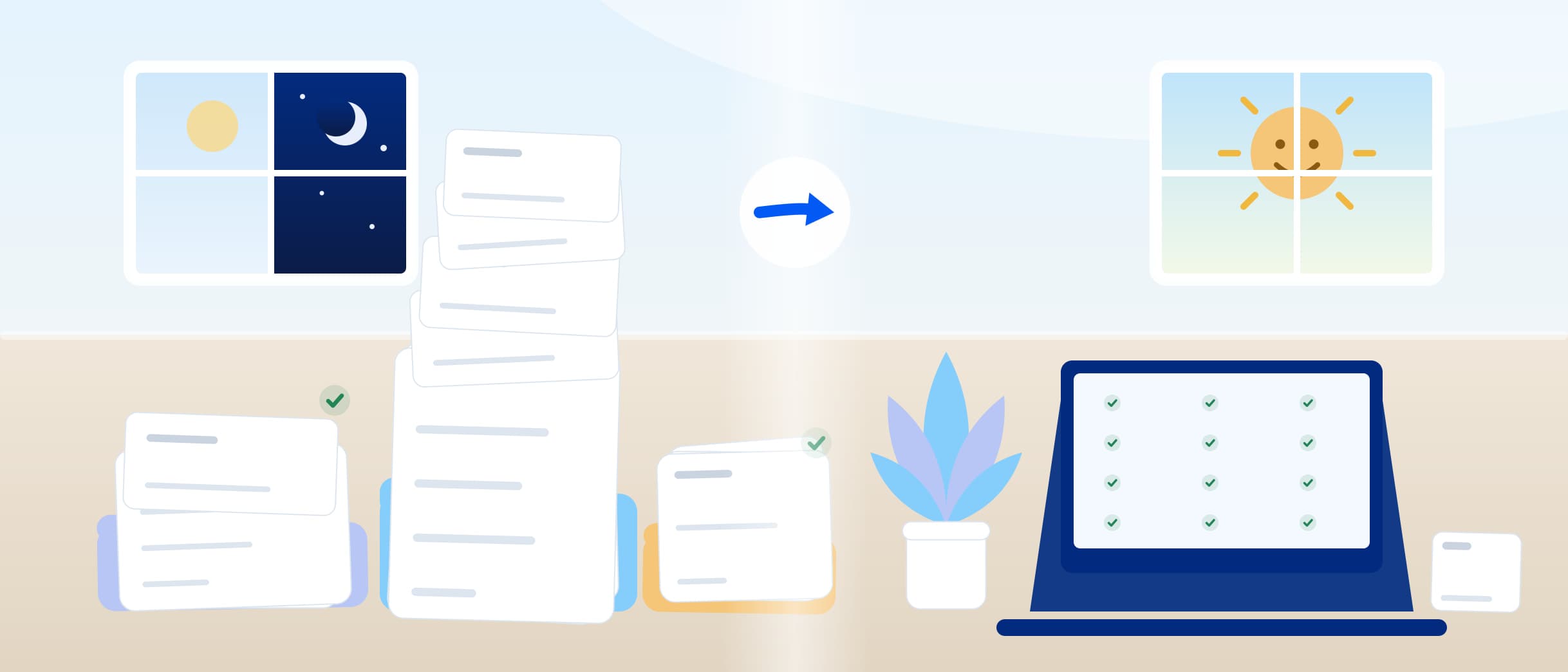
Damit ist Schluss. Ihre Mandantschaft lädt hoch, die KI liest die Belege, und Sie entscheiden, was gilt.
Die Workflows
17 Workflows stehen bereit, jede Frage ausformuliert in 6 Sprachen (Deutsch, Französisch, Italienisch, Englisch, Spanisch und Rätoromanisch). Keinen davon müssen Sie schreiben, keine Frage übersetzen.
Jeden Workflow im Einzelnen ansehen🇨🇭→🇩🇪 Pensionskasse · Quellensteuer-Rückforderung
Nur ca. 5 Min.3 Belege digital7 Felder füllt die KI aus den Belegen vorGeprüft wird, nicht getippt.
Schweiz → Deutschland
Mehr erfahren
🇨🇭→🇩🇪 Dividenden · Verrechnungssteuer-Rückforderung
Nur ca. 5 Min.2 Belege digital4 Werte liest die KI aus den BelegenAbgetippt wird nichts.
Schweiz → Deutschland
Mehr erfahren
🇩🇪 Private Steuererklärung individuelle Belegsammlung
Nur ca. 10 Min.13 Belege digital5 Felder füllt die KI aus den Belegen vorGeprüft wird, nicht getippt.
Deutschland
Mehr erfahren
🇨🇭 Private Steuererklärung individuelle Belegsammlung
Nur ca. 15 Min.36 Belege digital10 Felder füllt die KI aus den Belegen vorGeprüft wird, nicht getippt.
Schweiz
Mehr erfahren
🇩🇪 Vermietung & Verpachtung · Anlage V
Nur ca. 10 Min.5 Belege digital9 Abschnitte führen durch den FallOhne E-Mail-Schleifen.
Deutschland
Mehr erfahren
🇩🇪 Wegzugssteuer · § 6 AStG
Nur ca. 5 Min.4 Belege digital4 Felder füllt die KI aus den Belegen vorGeprüft wird, nicht getippt.
Deutschland
Mehr erfahren
🇨🇭 Grundstückgewinnsteuer
Nur ca. 5 Min.6 Belege digital3 Felder füllt die KI aus den Belegen vorGeprüft wird, nicht getippt.
Schweiz
Mehr erfahren
🇨🇭 Transparenzregister · Wirtschaftlich Berechtigte
Nur ca. 10 Min.7 Belege digital2 Felder füllt die KI aus den Belegen vorGeprüft wird, nicht getippt.
Schweiz
Mehr erfahren
🇩🇪 Erbschaftsteuer · Vorerfassung
Nur ca. 20 Min.21 Belege digital13 Felder füllt die KI aus den Belegen vorGeprüft wird, nicht getippt.
Deutschland
Mehr erfahren
🇨🇭 Onboarding · Privatperson
Nur ca. 5 Min.4 Belege digital4 Abschnitte führen durch den FallOhne E-Mail-Schleifen.
Schweiz
Mehr erfahren
🇨🇭 Onboarding · Firma
Nur ca. 10 Min.7 Belege digital5 Abschnitte führen durch den FallOhne E-Mail-Schleifen.
Schweiz
Mehr erfahren
🇨🇭 Vollmacht · Privatperson
Nur ca. 5 Min.1 Beleg digital2 Abschnitte führen durch den FallOhne E-Mail-Schleifen.
Schweiz
Mehr erfahren
🇨🇭 Vollmacht · Firma mit Einzelunterschrift
Nur ca. 5 Min.1 Beleg digital3 Abschnitte führen durch den FallOhne E-Mail-Schleifen.
Schweiz
Mehr erfahren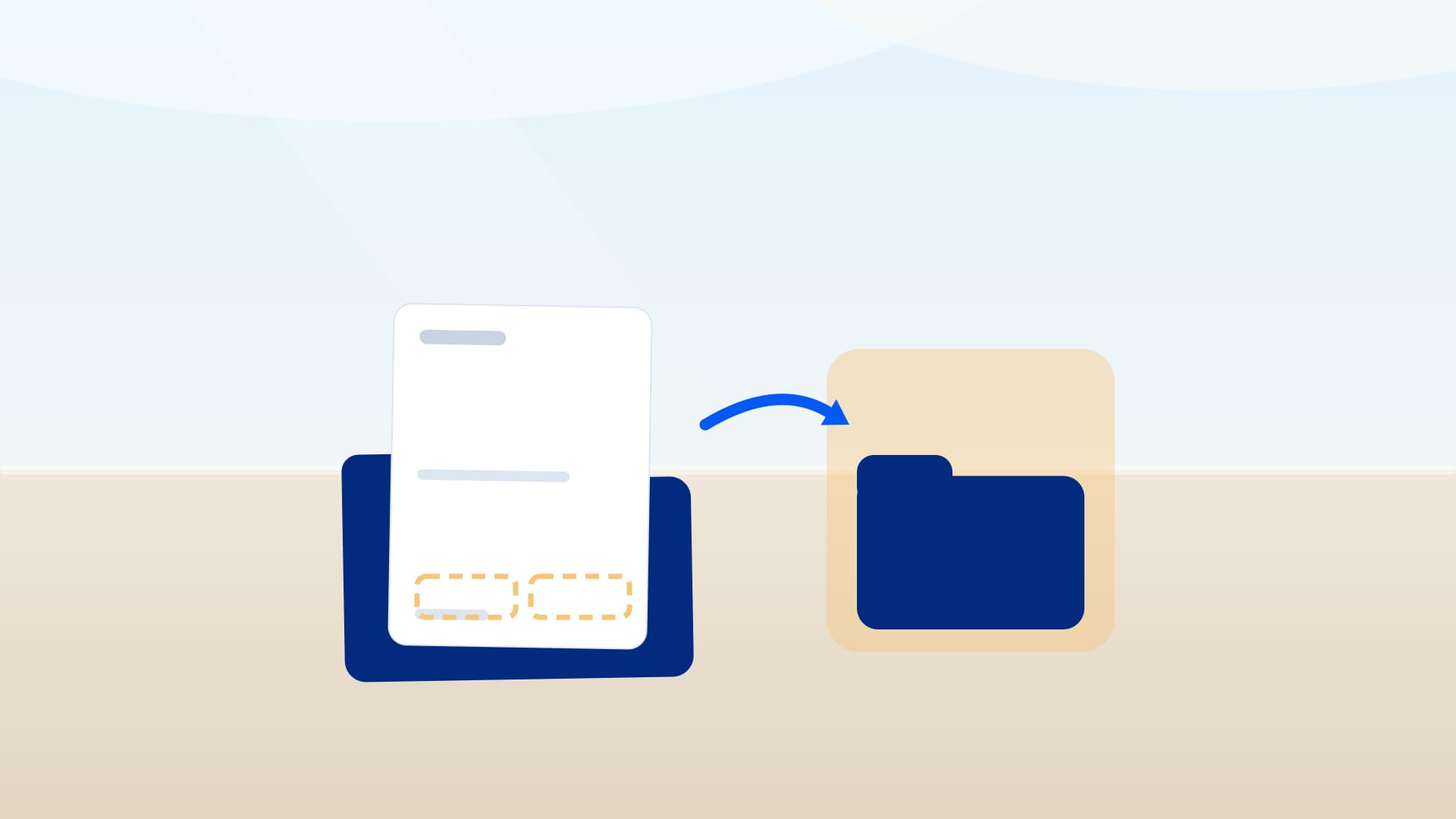
🇨🇭 Vollmacht · Firma mit Kollektivunterschrift
Nur ca. 5 Min.1 Beleg digital4 Abschnitte führen durch den FallOhne E-Mail-Schleifen.
Schweiz
Mehr erfahren
🇩🇪 Vollmacht · Privatperson
Nur ca. 5 Min.1 Beleg digital2 Abschnitte führen durch den FallOhne E-Mail-Schleifen.
Deutschland
Mehr erfahren
🇩🇪 Vollmacht · Firma mit Einzelunterschrift
Nur ca. 5 Min.1 Beleg digital3 Abschnitte führen durch den FallOhne E-Mail-Schleifen.
Deutschland
Mehr erfahren
🇩🇪 Vollmacht · Firma mit Kollektivunterschrift
Nur ca. 10 Min.1 Beleg digital4 Abschnitte führen durch den FallOhne E-Mail-Schleifen.
Deutschland
Mehr erfahrenAusfüllzeit geschätzt aus der Zahl der Fragen, die ohne Bedingung erscheinen — nicht gemessen.
🇦🇹Für Österreich: „Arbeitnehmerveranlagung“ ist in Vorbereitung.
Noch nicht gebaut — und wir zeigen keine Abdeckung, die es nicht gibt. Sprechen Sie uns an: Wir zeigen Ihnen den Stand persönlich.
Sprechen Sie uns anGemeinden und Behörde sind für alle 26 Kantone hinterlegt, 2'110 Gemeinden insgesamt. Beim Hauptformular hört die Gleichheit auf — hier steht, wo:
1Kanton: Wir setzen die Werte ins amtliche Hauptformular.
 ZH
ZH10Kantone: Das amtliche Hauptformular liegt blanko bei.
 NW
NW SO
SO BL
BL SH
SH AI
AI SG
SG TG
TG VD
VD VS
VS JU
JU15Kantone: Kein Blankoformular veröffentlicht — Sie bekommen das geordnete Dossier und den direkten Weg in die Kantonssoftware.
 BE
BE LU
LU UR
UR SZ
SZ OW
OW GL
GL ZG
ZG FR
FR BS
BS AR
AR GR
GR AG
AG TI
TI NE
NE GE
GEFunktionen
Der Vergleich
Der ehrliche Vergleich ist nicht der mit einer anderen Software, sondern der mit dem, was heute in den meisten Kanzleien passiert.
| Merkmal | Ohne crosstax | Mit crosstax |
|---|---|---|
| Belege landen im Workflow, nicht im Postfach | Ohne crosstaxfunktioniert nicht | Mit crosstaxfunktioniert |
| Die KI liest die Belege aus | Ohne crosstaxfunktioniert nicht | Mit crosstaxfunktioniert |
| Jede Zahl nennt ihren Beleg | Ohne crosstaxfunktioniert nicht | Mit crosstaxfunktioniert |
| Erinnerungen laufen von selbst | Ohne crosstaxfunktioniert nicht | Mit crosstaxfunktioniert |
| Ihre Mandantschaft sieht Ihre Kanzlei | Ohne crosstaxfunktioniert | Mit crosstaxfunktioniert |
| Ihr Logo auf Portalseite und Fragebogen | Ohne crosstaxfunktioniert nicht | Mit crosstaxfunktioniert |
| Kosten | Ohne crosstaxViel Zeit durch manuelle Arbeit | Mit crosstaxKostet etwasJetzt profitieren Preise ansehen |
Weil das Abtippen nicht gratis ist, sondern unsichtbar: es wird in Stunden Ihrer Berufsträger bezahlt, nur nicht per Rechnung. Wie viele Stunden das bei Ihnen sind, hängt von Ihrer Kanzlei ab — von der Fallzahl, der Mandantschaft und der Menge der Belege. Rechnen Sie es mit Ihrem eigenen Stundensatz gegen den Preis.
Preise ansehen„crosstax stellt für uns eine signifikante Vereinfachung und Zeitersparnis dar. Wir arbeiten weit effizienter, da die mehrfachen Rückfragen beim Kunden grösstenteils entfallen.“
Muster Treuhand AG ist unsere Beispiel-Kanzlei auf crosstax — mit eigener Portalseite und Unterlagen, die Sie selbst ausfüllen können.
Ohne Konto, ohne Anmeldung. Muster Treuhand AG ist erfunden — die Software dahinter ist die echte.
Unterschrieben wird digital, ohne Drucker.

Bringen Sie jetzt Ihre Kanzlei ins KI-Zeitalter.
Sie haben schon ein Konto? Anmelden
Sicherheit und Vertrauen
Hier steht nur, was in Betrieb ist: die Orte, die Unterschrift, das Protokoll — und eine Kanzlei, die damit arbeitet.
Kundenbeispiel
Eigene Mandantenseite unter eigener Domain, Steuererklärung, Vollmachten mit E-Signatur, Transparenzregister und Onboarding — die Dateien liegen in der Schweiz.
Zum KundenbeispielDemo vereinbaren
30 Minuten mit den Menschen hinter crosstax. Wir zeigen Ihnen an Ihren eigenen Fällen, was crosstax für Ihre Kanzlei tun würde — und beantworten Ihre Fragen.

Klaus Fuchs
CTO · NC Labs
Alle Angaben sind Pflicht, ausser wo optional steht.
Wir freuen uns darauf, Ihnen die Zukunft der Steuerberatung zu zeigen.
Ihre Steuerkanzlei schickt Ihnen einen Link. Sie beantworten ein paar Fragen und fotografieren Ihre Belege — den Rest macht Ihre Kanzlei.
Ihr Land kennen wir nicht — die Seite steht auf:Deutschland
Nicht richtig?SchweizÖsterreich
Belege hochladen
Foto oder PDF — beides geht
„Lohnausweis(e)“
Erkannt:Lohnausweis
Bestätigen — fertig
„Arbeitgeber & Lohn – bitte prüfen“
Quelle: „Lohnausweis(e)“
Sie prüfen jeden Wert per Klick. Danach übernimmt Ihre Kanzlei.
Link öffnen
Ihre Kanzlei schickt Ihnen einen persönlichen Link. Kein Passwort nötig.
Belege hochladen
Foto oder PDF — Sie tippen nichts ab.
Bestätigen — fertig
Sie prüfen jeden Wert per Klick. Danach übernimmt Ihre Kanzlei.

Foto oder PDF — beides geht
Lohnausweis_2025.pdf
Erkannt:Lohnausweis
Öffnen Sie ein Beispiel und klicken Sie sich durch — genau so, wie Ihre Kanzlei es Ihnen schicken würde.
Ohne Konto, ohne Anmeldung. Ihre Antworten bleiben auf Ihrem Gerät, bis Sie sie absenden.
Für Österreich ist noch kein Workflow gebaut — und wir zeigen keine Abdeckung, die es nicht gibt. Sagen Sie uns, welcher fehlt
Alle Beispiele ansehenDen Link bekommen Sie direkt von Ihrer Steuerkanzlei.
Ihre Kanzlei ist noch nicht dabei?
Nennen Sie uns Ihre Steuerkanzlei und wie wir Sie erreichen. Wir stellen crosstax dort vor — unverbindlich.
Klaus Fuchs
CTO · NC Labs
Alle Angaben sind Pflicht, ausser wo optional steht.
Wir freuen uns darauf, Ihnen die Zukunft der Steuerberatung zu zeigen.

